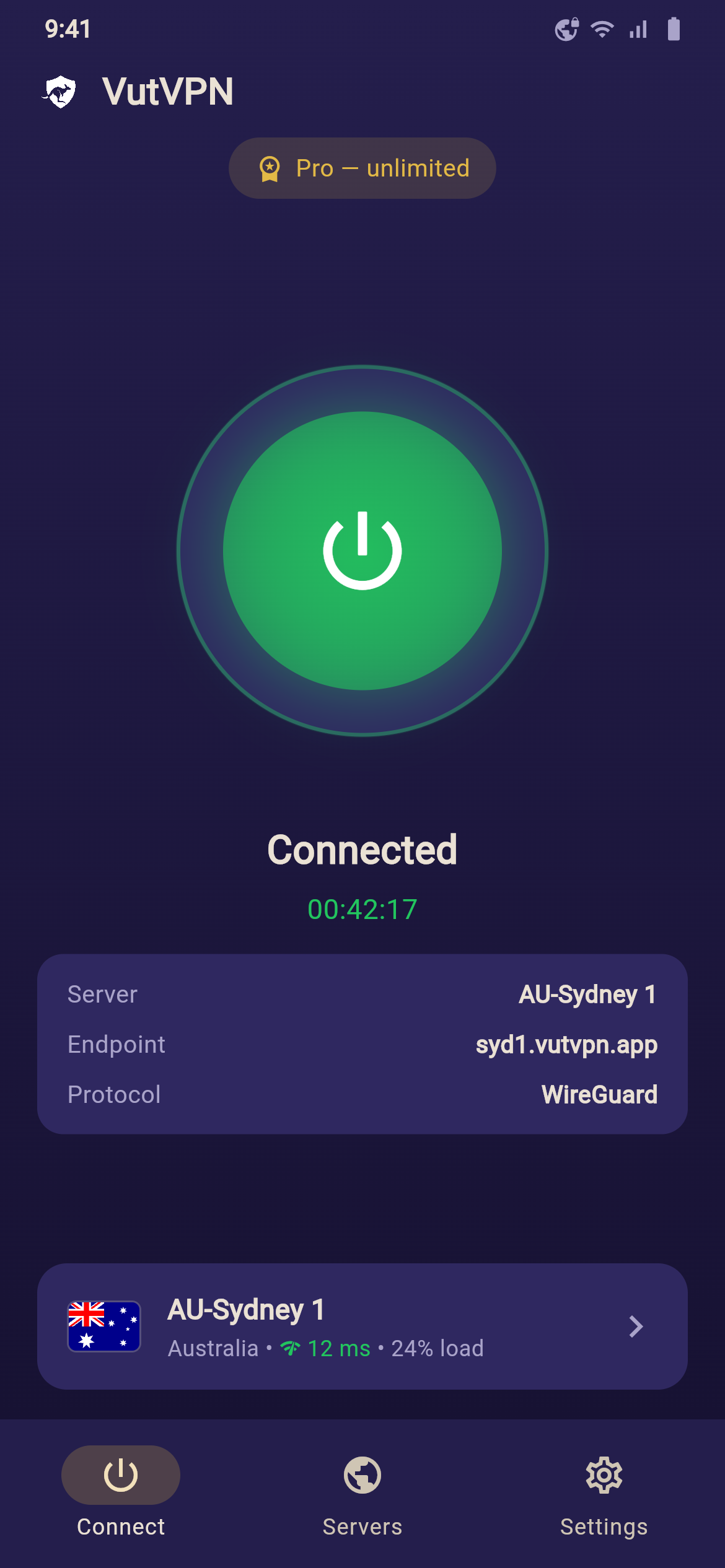
Free · WireGuard · You control your data

Private and blazing fast.

VutVPN protects your connection with the modern WireGuard protocol — free, lightweight, and transparent. Every sensitive feature is off by default; turn it on only if you want.

Android 7.0+ · Install directly via APK · Windows & iOS coming soon

Features

Strong protection, simple to use

One tap to turn on protection. Underneath is technology and transparency you can trust.

WireGuard encryption

A fast, modern, secure VPN protocol. All your traffic flows through an encrypted tunnel, keeping your real address hidden.

Genuinely free

Core use costs nothing. Unlock unlimited Pro by sharing resources, or buy a license for maximum privacy.

You're in control

Data collection and bandwidth sharing are off by default. Turn them on only if you want, and switch them off anytime.

Auto-reconnect

When your network drops, the app restores the connection automatically so you stay protected without gaps.

Kill switch

Works with Android's "Always-on VPN" to block network leaks even if the VPN stops unexpectedly.

Multiple servers

Pick a server by location; the list updates dynamically from the server, with no need to reinstall the app.

Transparency

Your privacy is yours

VutVPN never turns anything on behind your back. Sensitive features are clear, explicit choices — with honest explanations.

Read the full Privacy Policy →

Install

Download in three steps

VutVPN ships directly as an APK file — not through an app store.

Download the APK

Tap the download button below to get the VutVPN installer file.

Allow installation

Open the file. If prompted, allow "Install from unknown sources" for your browser or file manager.

Open & connect

Launch VutVPN, grant the VPN permission, then tap the round button to turn on protection.

📱 First time installing? How to allow it

When you open the downloaded file, Android may say it can't install apps from this source — that's normal for apps outside the Play Store. Here's how to allow it:

  1. Open the downloaded vutvpn.apk (from your browser's Downloads or the Files app).
  2. If you see "For your security, your phone is not allowed to install unknown apps from this source", tap Settings.
  3. Turn on Allow from this source for the app you're using (e.g. Chrome or Files).
  4. Go back and tap Install, then open VutVPN.

Xiaomi / Redmi / POCO: if it's still blocked, go to Settings → Privacy protection → Special permissions → Install unknown apps and enable your browser. You may also be asked to turn off "Scan apps before installing" — that's safe to skip for this install.

Download VutVPN (.apk)